Lecture & screen
Lecture and screen clips where the slide stays readable.
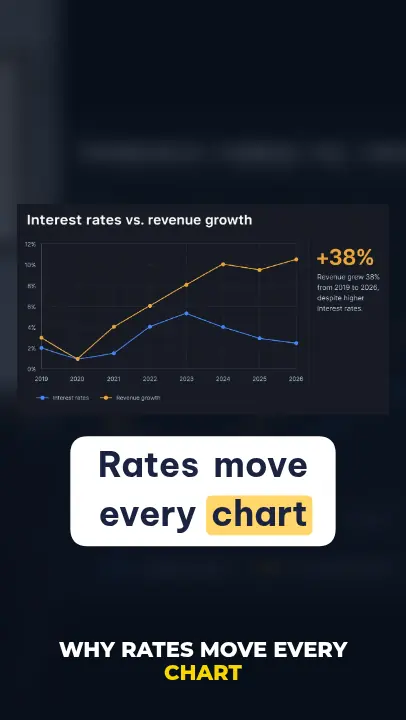
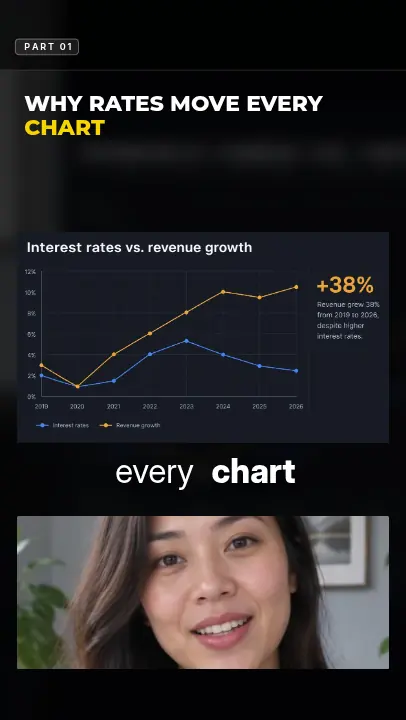
Choose Lecture & screen when you create the project. SupaClip finds the slide or screen area in your video and stacks it with the speaker in a 9:16 frame, so charts, text and code stay readable on a phone. Captions follow each word, and you can adjust any clip in Studio.
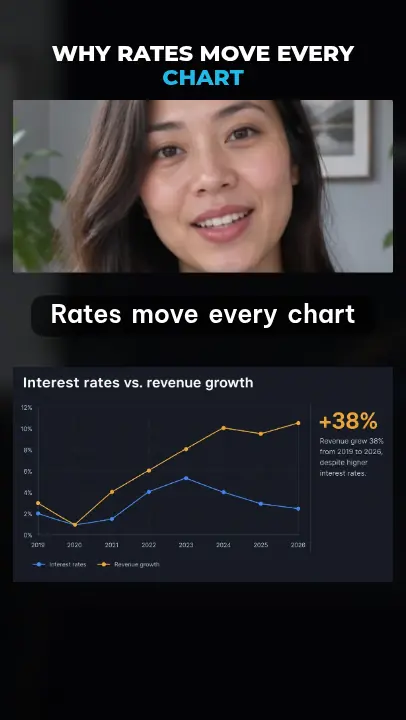
How the framing works
- The slide or screen region is found on its own — no manual boxes.
- Screen and speaker are stacked, or the screen is shown alone when the speaker is not on camera.
- 9 screen layouts, from clean cinema to a ticker bar.
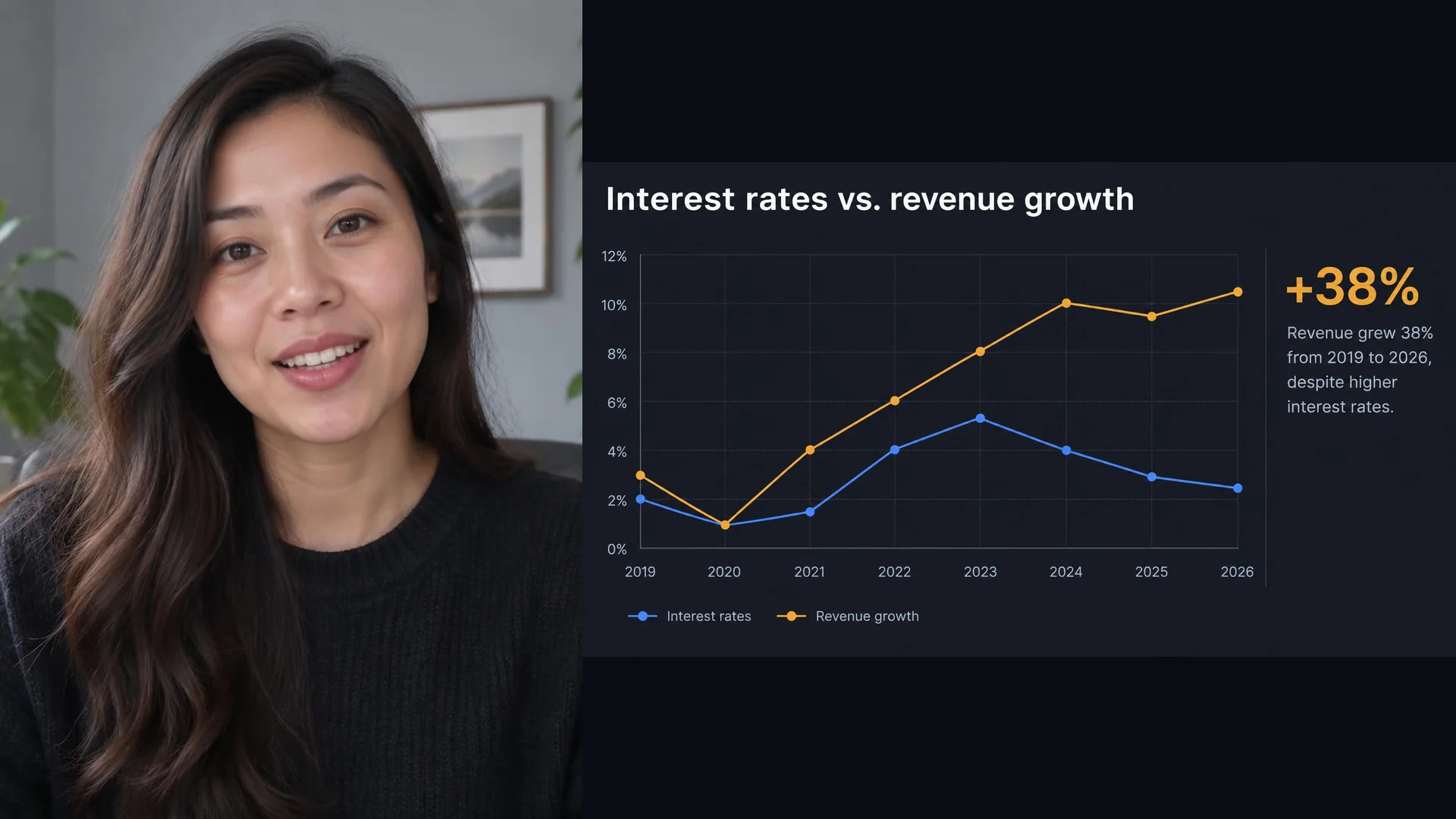
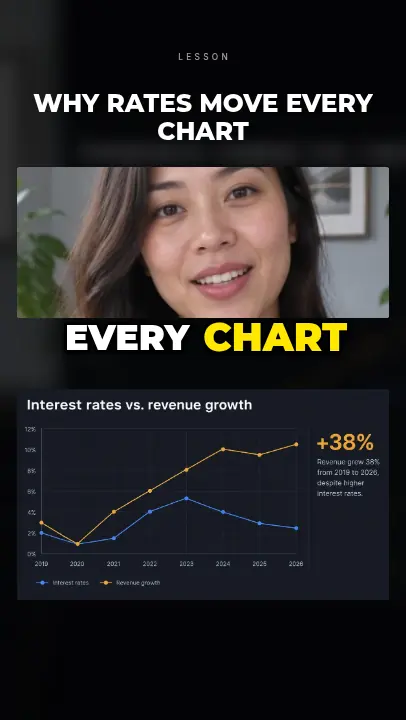
Looks you can start from
Rendered by SupaClip on sample scenes. Switch caption style or frame in Studio at any time.
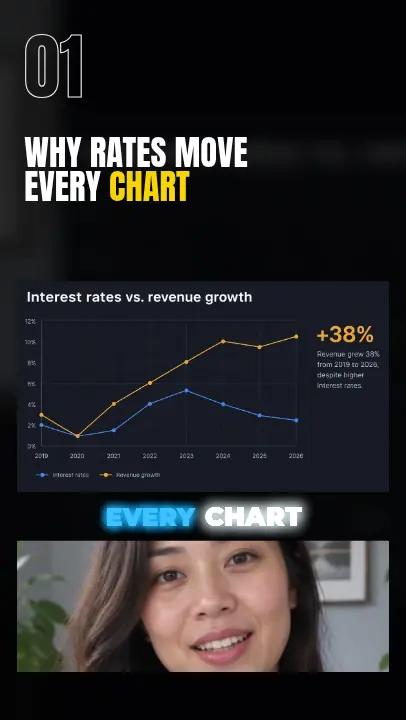

Works best when
- Slides or screen recordings are large and sharp in the source.
- The speaker is on camera or in a separate box.
Limits
- Very small text in the source can still be hard to read on a phone, even when stacked.
Questions
What if there is no speaker on camera?
The clip shows the screen with captions.
Does it work for coding videos?
Yes. Lecture & screen is made for lessons, analysis, webinars and coding — anywhere the screen matters as much as the speaker.
Can I change the layout of one clip?
Yes. Switch the frame template for that clip in Studio.
Other video types
Turn your next long video into clips.
Start on the Free plan — 30 AI minutes a month, no watermark, no card needed to try.