How it works
From one long video to a stack of vertical clips.
You add a video and say what kind of video it is. SupaClip transcribes the speech with timing for every word, chooses the moments worth clipping, frames each one at 9:16 for that video type and adds captions. You review the clips, fine-tune any of them in SupaClip Studio and export.
Six steps, two of them yours
- Step 1You
Add a video
Paste a YouTube link or upload a file — MP4, MOV, up to 2 GB, from 5 seconds to 4 hours long.
- Step 2You
Pick the video type and the look
Talking, Lecture & screen, or Stream / Game. Choose a caption style, a frame and the clip length — the look can change later.
- Step 3You
Clean up the talk, if you want
Turn on cuts for ums and stumbles, weak lines or long silences. Every cut stays visible in Studio and can be undone.
- Step 4SupaClip
AI finds and frames the moments
SupaClip transcribes the speech word by word, picks the strongest self-contained moments and frames each clip for the video type you chose.
- Step 5SupaClip
Captions, timed to each word
Captions light up word by word in the style you picked, placed inside the frame so they stay readable.
- Step 6You
Review, edit in Studio, export
Keep the clips you like and open any of them in Studio to trim, fix a word or change the style. Export up to 720p on Free, 1080p on Pro and 4K on Studio.
What the framing does for each type
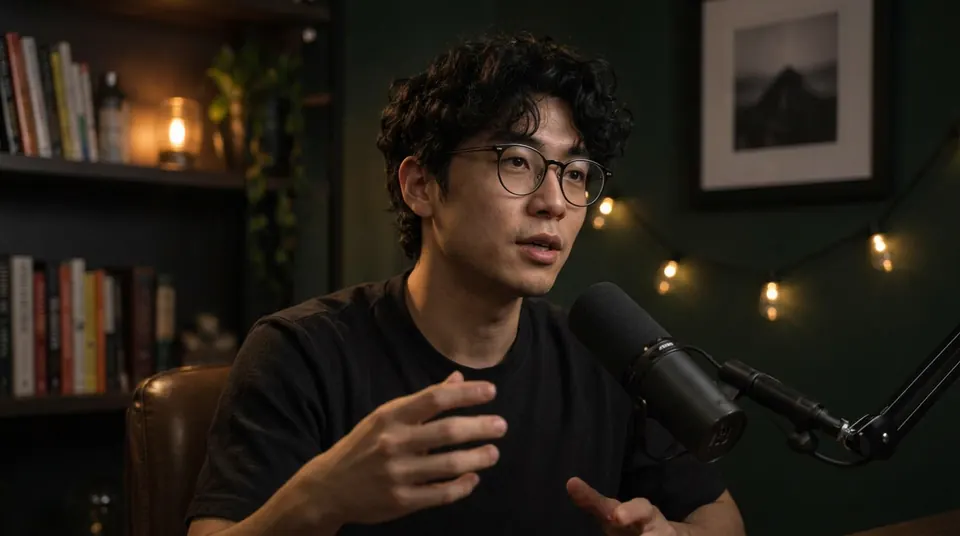
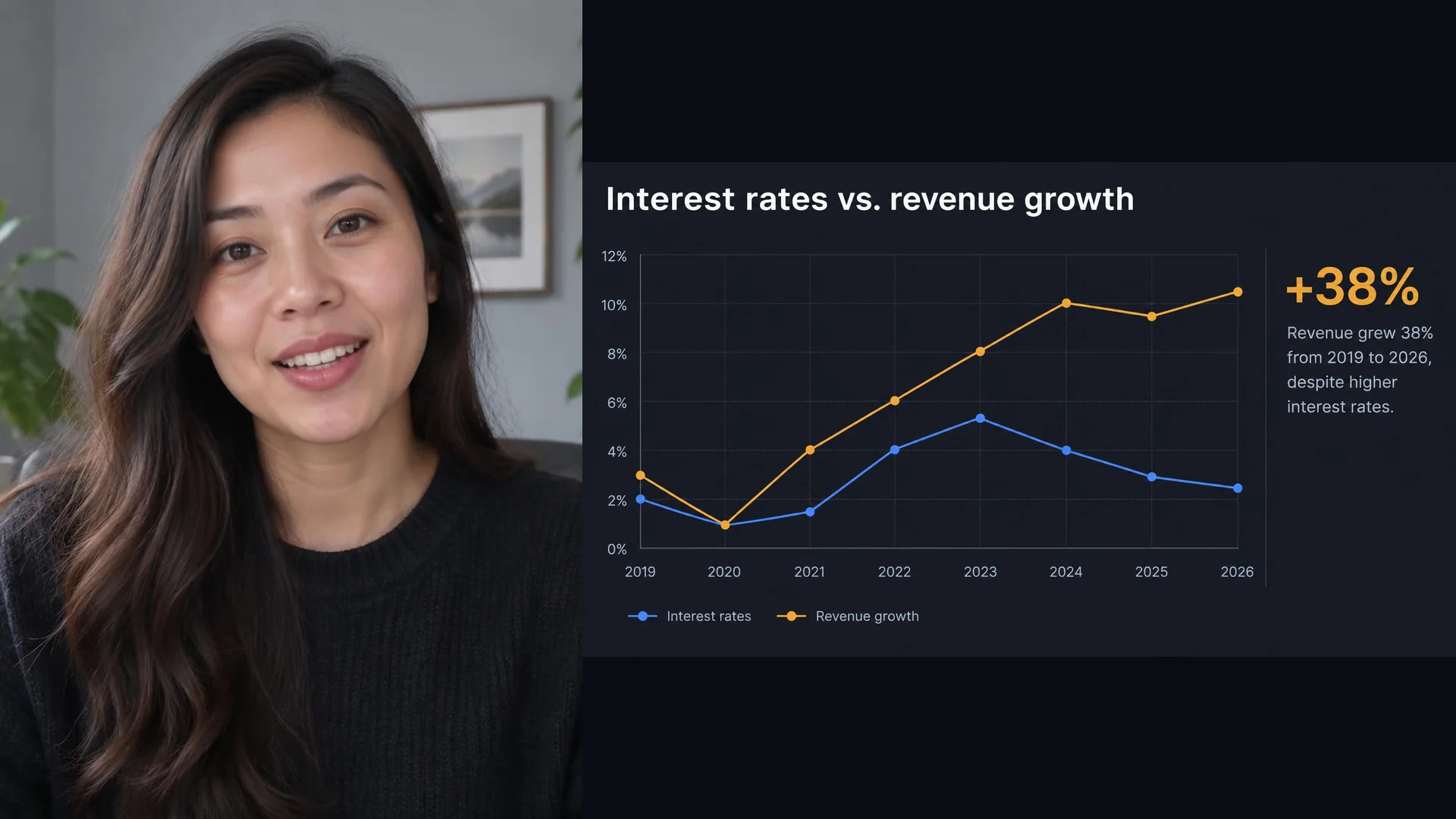
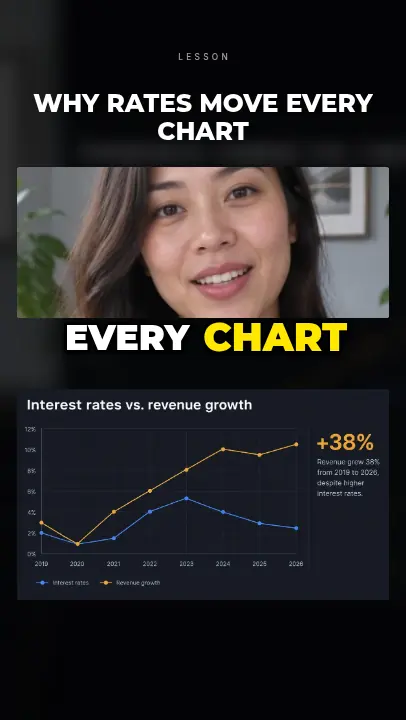
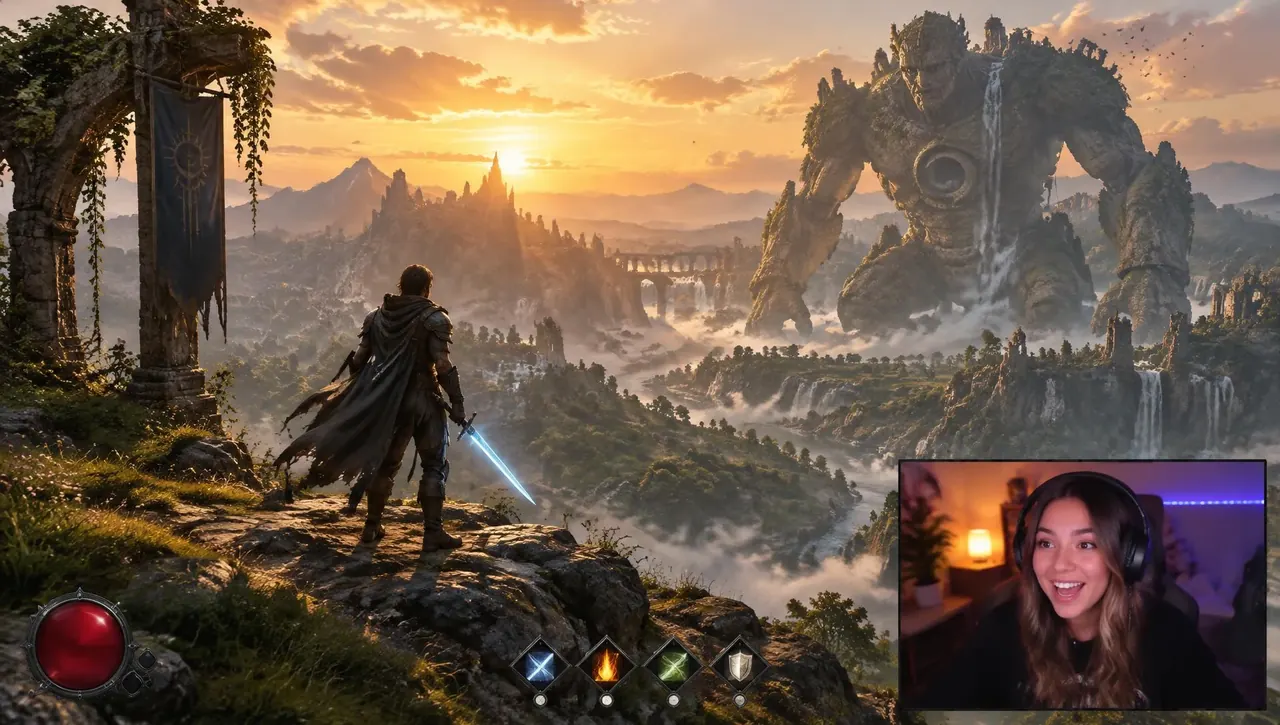
Same video pipeline, three framing rules. Left: the wide source. Right: the clip SupaClip renders from it.
Talking — framed on the speaker

Lecture & screen — screen and speaker stacked
Stream / Game — facecam above the gameplay

Good to know before you start
- AI minutes are the length of the videos you process each month: 30 on Free, 150 on Pro, 300 on Studio. Exports are not counted.
- Processing time grows with the length of the video — a long stream takes longer than a short talk.
- Moments are picked from what is said, so videos with clear speech give the best clips.
- Subtitles already burned into the picture cannot be removed and may overlap SupaClip's captions.
- In Stream / Game, if there is no webcam on screen, the clip shows the gameplay alone.
Turn your next long video into clips.
Start on the Free plan — 30 AI minutes a month, no watermark, no card needed to try.