Stream / Game
Stream and gameplay clips with the facecam in frame.
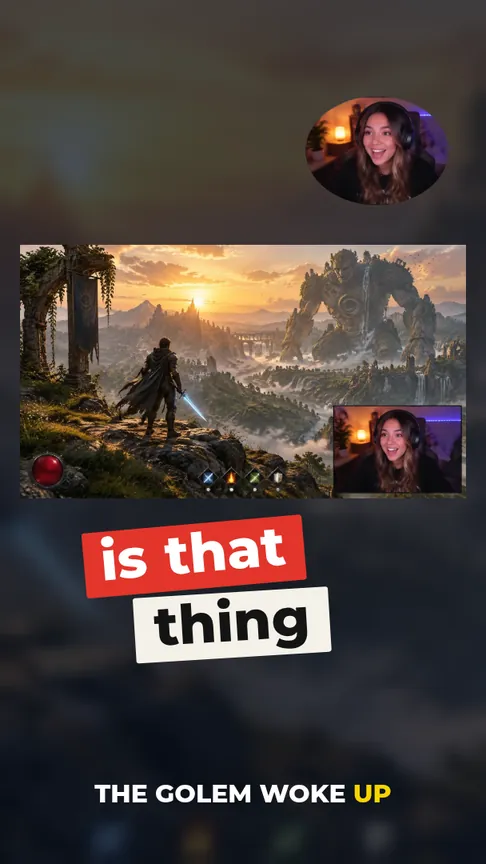
Choose Stream / Game when you create the project. SupaClip finds the streamer's webcam box and places it with the gameplay in a 9:16 frame, so the action and the reaction both stay on screen. It works for gameplay with a facecam, Just Chatting and esports, with captions timed to every word.
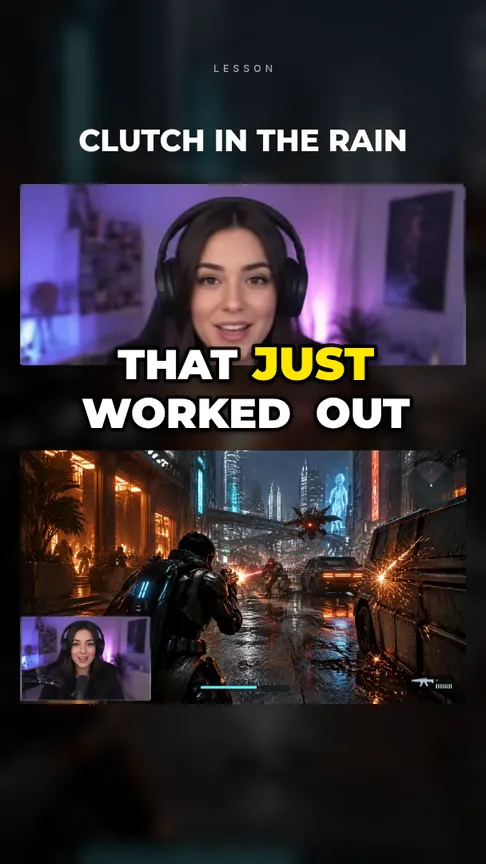
How the framing works
- The webcam box is found on its own, wherever it sits on screen.
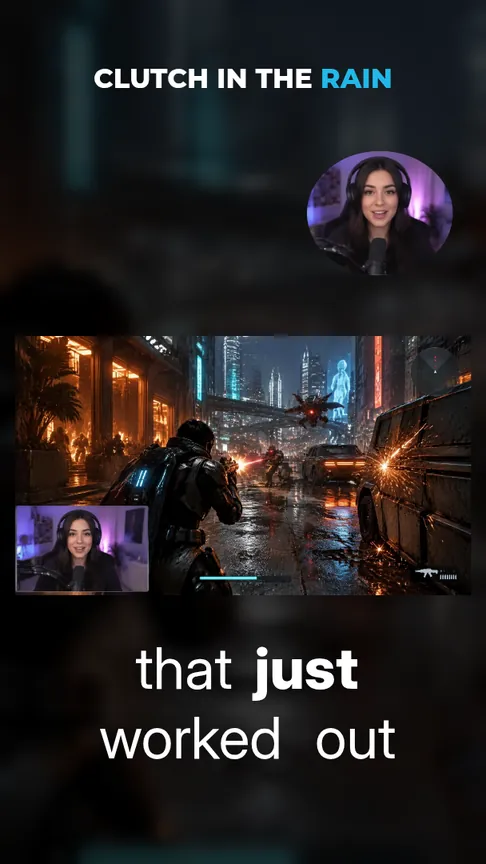
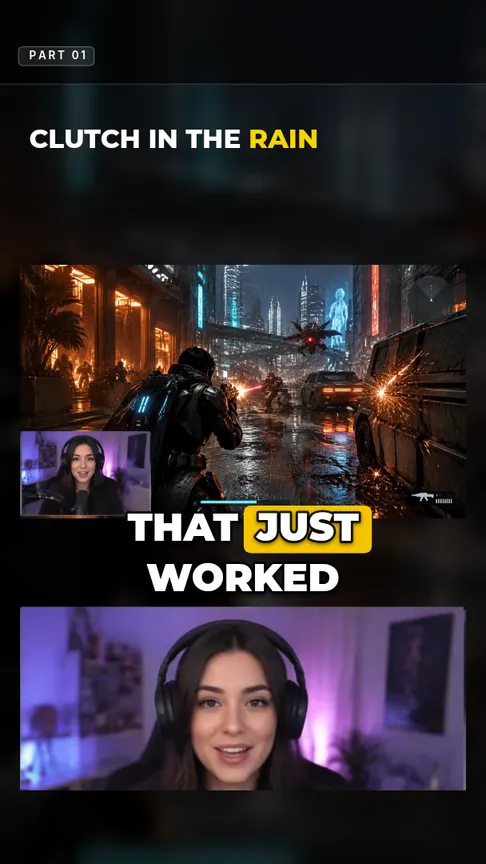
- Cam and gameplay are stacked, or the cam floats as a bubble — depending on the frame you pick.
- When there is no cam on screen, the clip shows the gameplay alone.
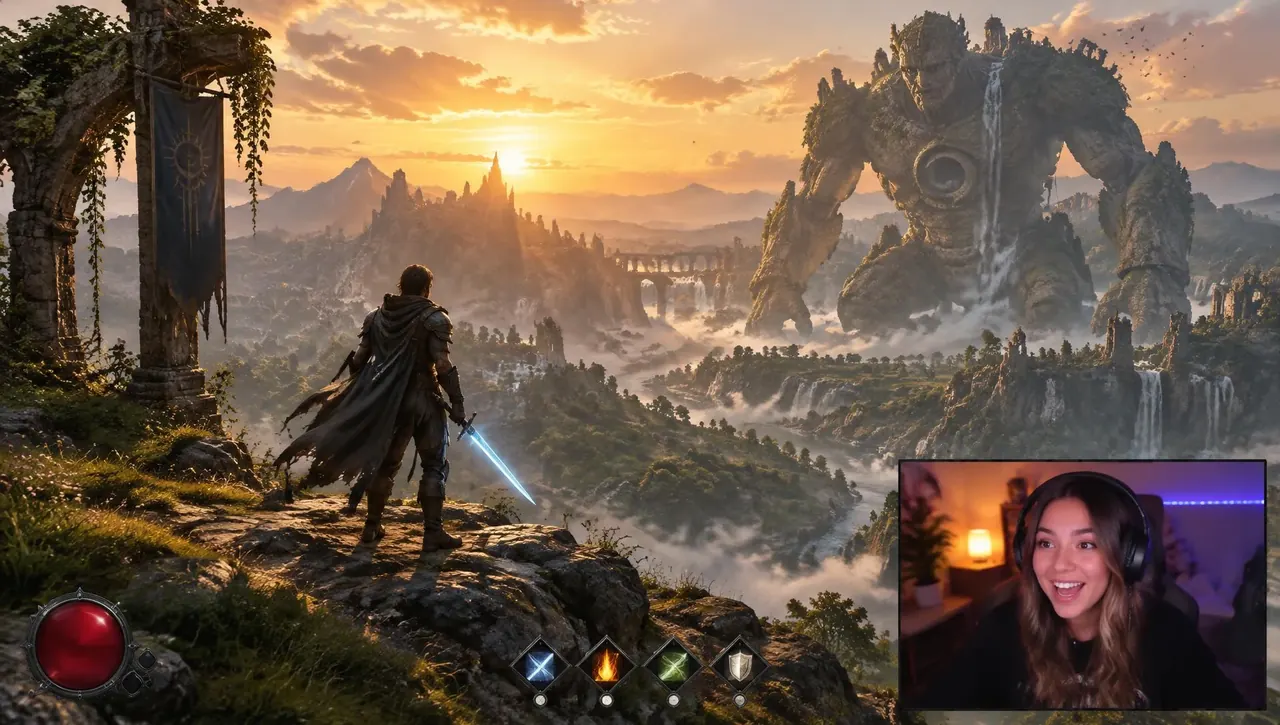

Looks you can start from
Rendered by SupaClip on sample scenes. Switch caption style or frame in Studio at any time.

Works best when
- The webcam is visible as a box or overlay.
- There is commentary — moments are picked from what is said, not from gameplay events.
Limits
- SupaClip does not detect kills, goals or other in-game highlights by itself.
Questions
Which games does it work with?
Any game. The framing looks for the webcam and the gameplay area, not for a specific game.
Does it find highlights from the gameplay?
No. Moments are picked from what is said, so streams with commentary give the best clips.
My stream has no webcam. Can I still use it?
Yes. Clips show the gameplay with captions.
Other video types
Turn your next long video into clips.
Start on the Free plan — 30 AI minutes a month, no watermark, no card needed to try.